
Solar Inspection Software
AI-powered thermal and RGB analysis turns drone data into module-level anomaly findings, a digital twin of each plant and IEC-aligned reports for solar O&M and inspection teams.
Trusted by leading energy companies







- Countries with Users
- 60+
- Continents Reached
- 5
- Languages Supported
- 11
- Anomaly Types Detected
- 20+
What is MapperX?
MapperX is a solar inspection platform built for photovoltaic inspection workflows. It brings thermal and RGB drone data, module-level findings, plant records, and inspection reports into one workspace. Solar-focused analysis and standards-aligned inspection workflows help owners, O&M teams, and technical stakeholders review findings consistently and keep an auditable record of each campaign.
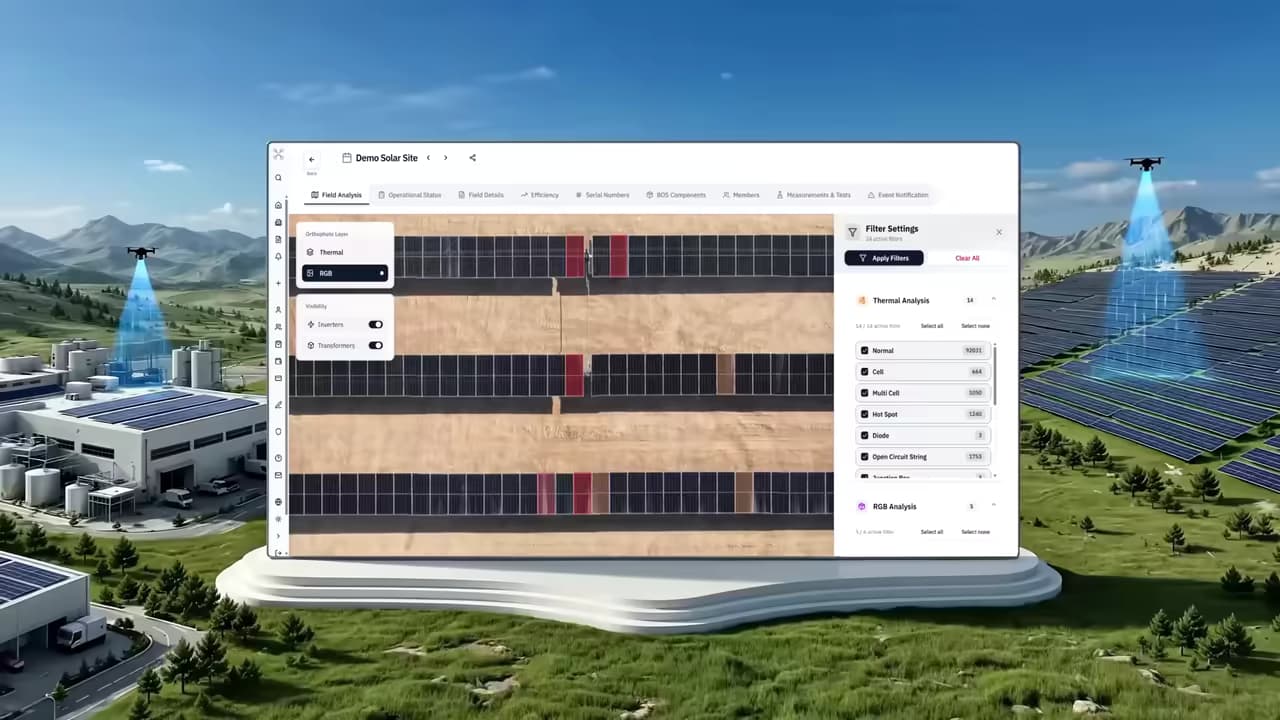
What can you do with MapperX?
Upload a compatible inspection dataset, review AI-assisted anomalies at module level, maintain plant records, and share a finished report from one workflow. MapperX supports rooftop and utility-scale PV sites, giving O&M teams, asset owners, and EPCs a consistent view of inspection findings.
AI-Powered Thermal Analysis
Autonomous thermographic analysis that turns thermal drone imagery into module-level fault detection.
Detects thermal faults down to the individual module
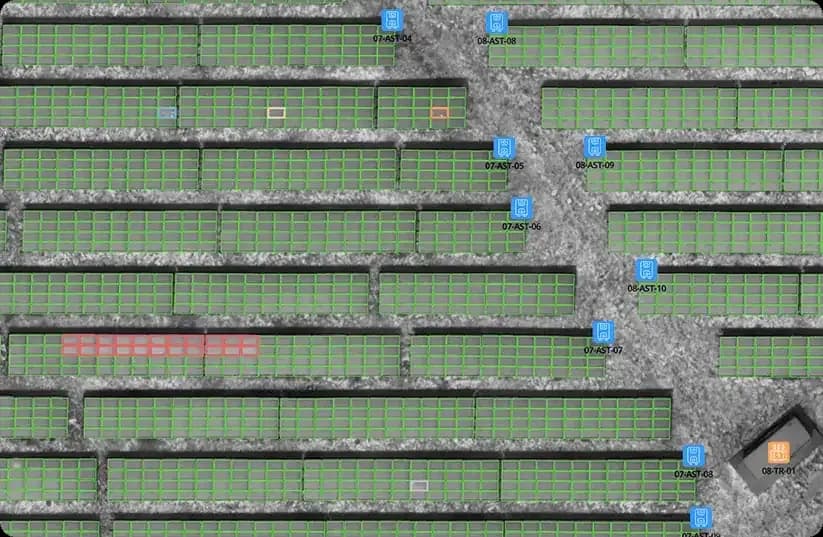
Solar panel inspection only becomes useful when a finding points at one module rather than a general area of the field. MapperX helps classify detected anomalies at module level, so a hot cell, a bypass diode fault or an open circuit string can be reported against the relevant panel, with its position in the plant attached. Field teams walk to a known row and a known module instead of searching a section. Because the same identifier follows that module through later campaigns, the finding can be closed, re-checked and assessed for resolution. That is the difference between a thermal image archive and an inspection result a maintenance team can act on.
Reads thermal and RGB imagery together
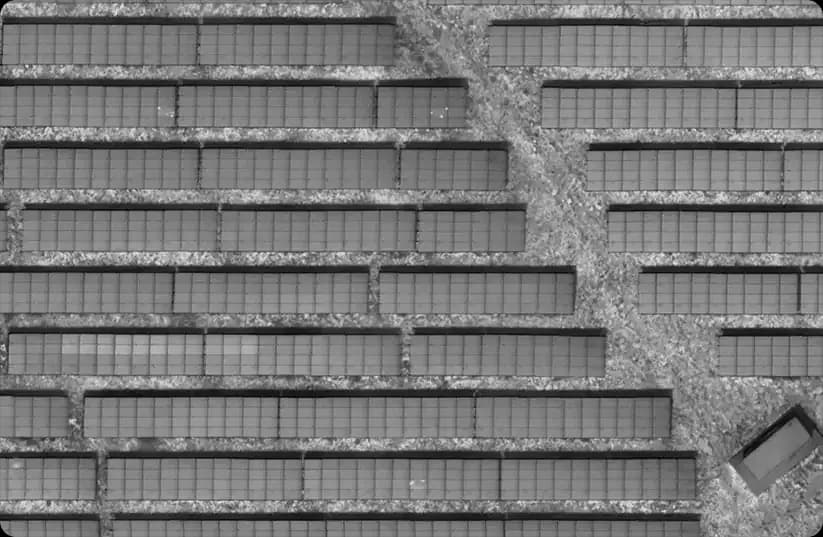
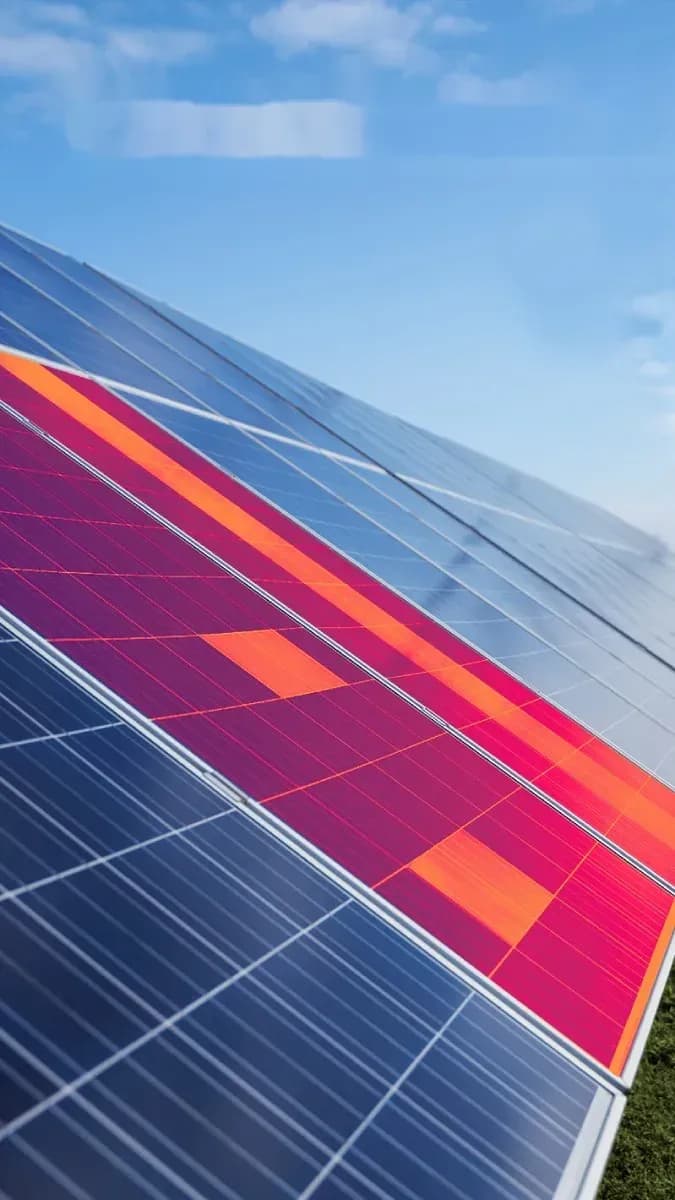
A thermal frame shows temperature behavior, but it may not show whether the module is cracked, soiled or shaded. MapperX aligns the thermal and RGB imagery captured on the same drone solar panel inspection flight, so detected anomalies can be checked against the visible condition of the panel before anyone is sent to the site. A warm cell caused by bird droppings and a warm cell caused by a failing bypass diode can look similar in temperature alone and need different responses. Seeing both layers together helps reviewers assess possible causes, though field checks may still be needed.
Delivers autonomous, fast, and accurate results
Manual review is what makes conventional solar panel thermal inspection slow and expensive: an engineer opens thousands of frames and judges them one by one. MapperX processes the campaign autonomously, so a full site is analyzed in one pass and the results of the whole flight become available once processing completes. Processing time depends on dataset size and quality. The same analysis criteria are applied across modules and campaigns to support consistent review.
A Digital Twin for Every Plant
Every inspection writes to one living plant model, so results stay comparable across campaigns.
Keeps a persistent digital record for every plant
Most inspection tools deliver a report and stop there, which leaves the plant record scattered across PDFs and spreadsheets. MapperX keeps a persistent model of the site instead: plant layout, string structure, inverter and combiner assignments and the record of every module stay in one place, and each inspection updates that model rather than replacing it. This is what turns solar asset management software into an operational memory of the asset. When a new team, a new O&M contractor or a new owner takes over, the history of the plant is already documented and does not have to be reconstructed from old files.
Compares results campaign over campaign automatically
A single inspection provides evidence of the plant’s condition at the time of capture. Comparing inspections helps teams track changes. MapperX matches new campaigns against earlier ones automatically and groups findings as new, recurring or potentially resolved for review. This comparison can support assessment of degradation trends and checks on past repairs, but does not by itself establish a solar panel degradation rate or prove that repairs held. An aligned plant model helps keep module positions and identifiers consistent between reports.
Tracks module serial numbers for full audit history
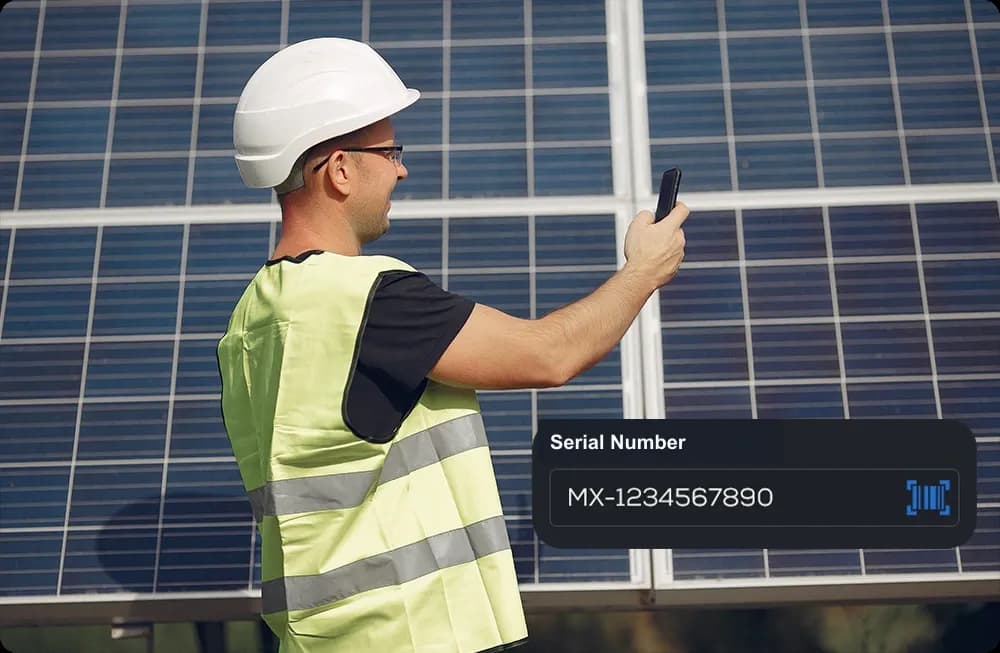
Warranty and replacement history only holds up when the serial number is tied to a specific module in a specific position. MapperX keeps that link: a serial number scanned in the field is written to the module record, stays attached to it through every later campaign, and can be exported in bulk when a claim is filed. That record is what a manufacturer asks for, and assembling it after the fact from photographs and notes is where most warranty claims lose time. Full audit history also matters at handover and during commissioning acceptance, when the receiving party needs verifiable evidence rather than a summary.
Inspection Data That Supports Asset Management
Structured findings flow straight into asset management, keeping maintenance decisions traceable.
Links every finding to its exact module and location
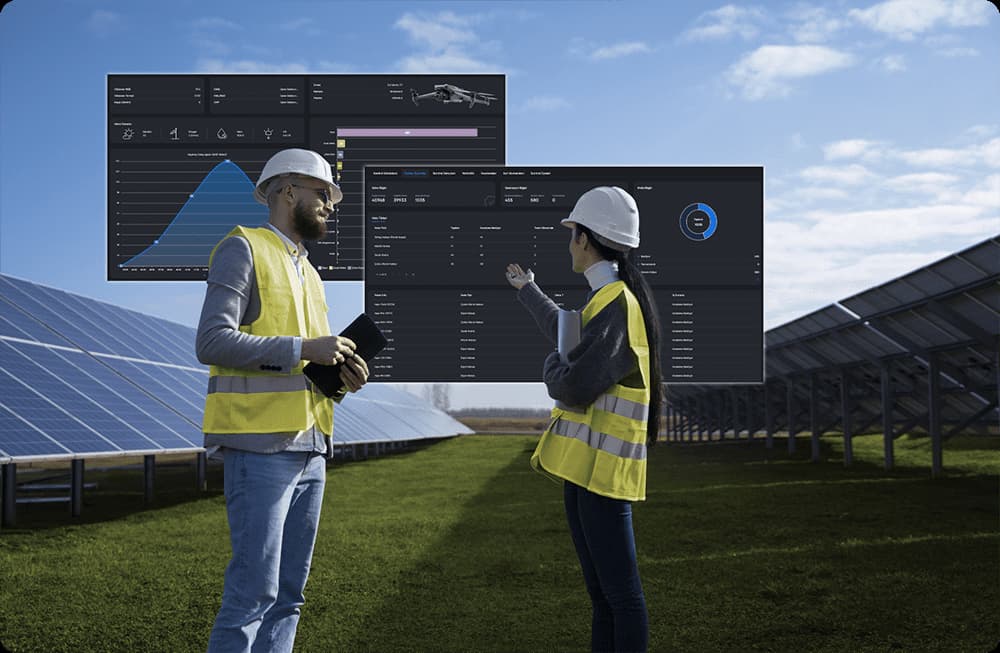
An inspection result is only actionable if the field team can find the module it refers to. Every MapperX finding carries the module identifier, the string it belongs to and its georeferenced position in the plant, helping teams plan work and locate the reported fault. This is the practical gap between renewable energy asset management software and a folder of thermal images: one produces a work order, the other produces homework. The same location data also feeds the plant model, so the next campaign already knows what was found at that position and what was done about it.
Prioritizes issues automatically by severity level
A large campaign can return more findings than any team can address in one maintenance window, so the order matters more than the count. MapperX groups findings by severity and by expected impact on production, which puts the modules with the largest estimated losses at the top of the work list. Low severity items stay recorded and visible for the next cycle rather than disappearing. Prioritizing this way helps teams weigh inspection and repair costs against potential recovery, and it gives the asset owner a documented basis for why one repair was scheduled ahead of another.
Assigns follow-up tasks and tracks status to closure
Findings that are never assigned tend to stay open. In MapperX a finding can be turned into a task with an owner, a plant and a due state, and its status is tracked inside the platform until the work is closed and verified in a later campaign. Access is granted per plant and per task, so a subcontractor sees only the site assigned to them while the asset owner keeps the full view. The result is a closed loop from detection to repair to confirmation in the following campaign, which is what makes solar inspection software part of daily operations rather than a reporting step at the end of the year.
The All-in-One Platform for Solar Inspections
AI thermography, inspection workflows aligned with IEC 62446-3, maintenance planning and auditable reporting in one solar inspection platform.




AI-powered Thermographic inspection
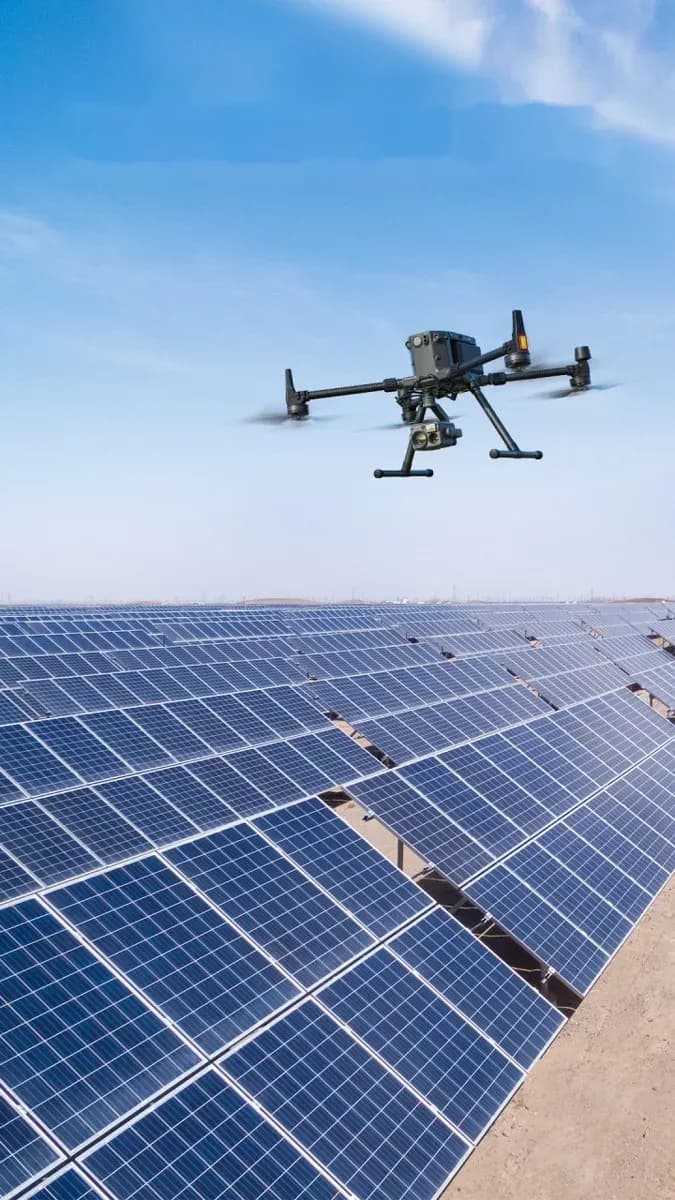
MapperX supports AI-powered thermographic inspection of solar plants using thermal imagery captured by drone. The analysis engine reviews module imagery and helps flag possible hot cells, bypass diode faults and string failures. Findings are linked to module locations to support planned, evidence-based maintenance by O&M teams.
Standards-aligned workflows Anomaly detection
MapperX supports inspection workflows aligned with IEC 62446-3, which concerns outdoor thermography of photovoltaic systems, not AI certification. The AI engine helps classify detected findings by fault type and severity for reviewer assessment. Classifications remain auditable and can support documentation for warranty claims, acceptance tests and insurance files; acceptance depends on the applicable requirements and review.
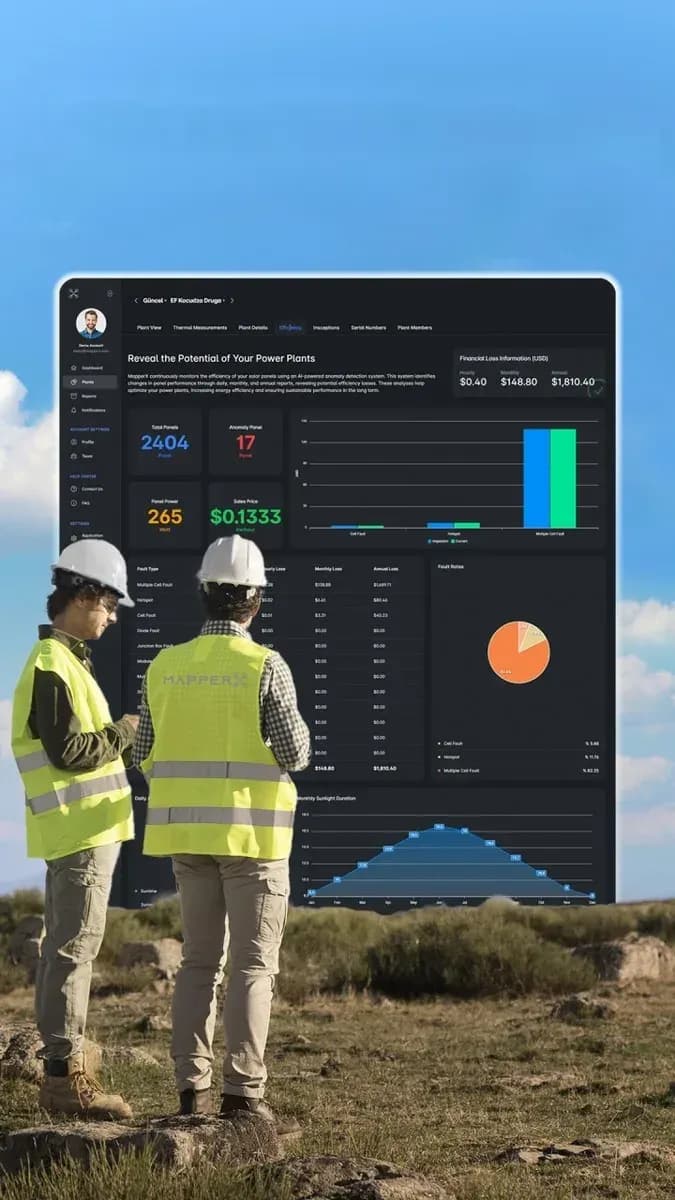
Efficiency analysis Financial loss detection
MapperX translates detected anomalies into financial impact. Each fault type is linked to its estimated power loss and to the hourly, monthly and annual revenue effect, calculated with the plant’s own tariff. A list of defects becomes a repair priority list, so teams fix the faults that cost the most first instead of working through the plant row by row.
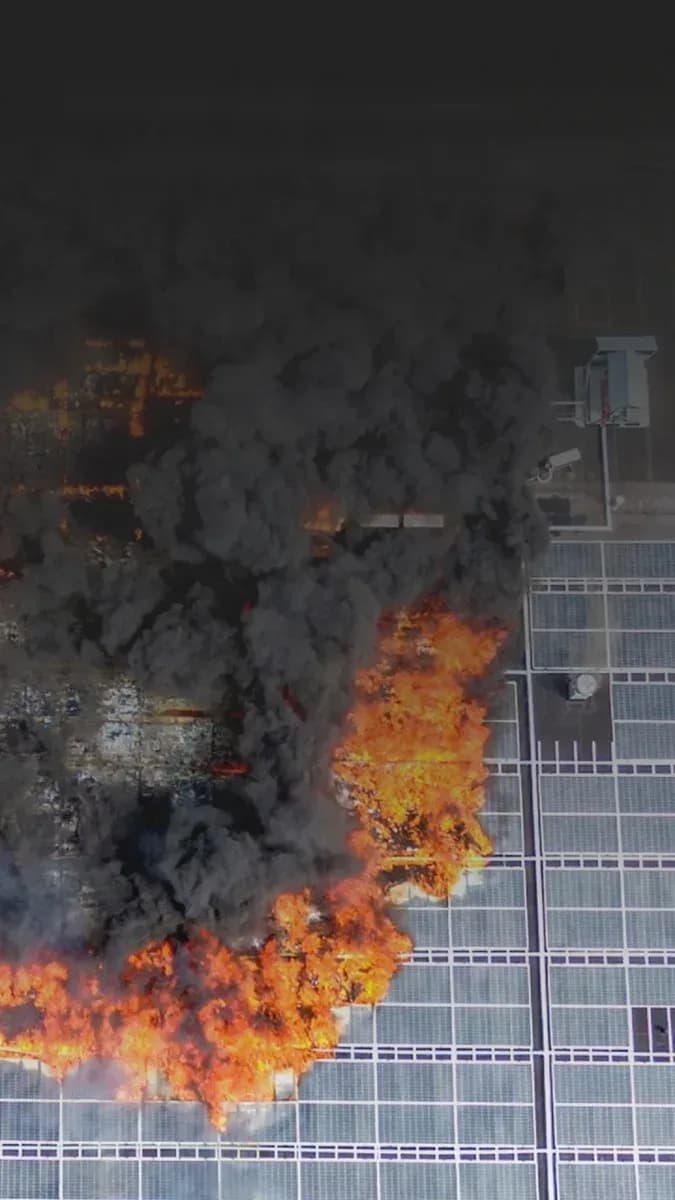
Fire risks Support risk assessment
Overheating cells, loose connections and insulation faults can be associated with fire risks in solar plants. MapperX helps flag thermal anomalies that may warrant further investigation and links findings to module locations. Qualified personnel should assess the findings and carry out any necessary electrical tests; thermal analysis alone cannot detect every electrical fault or guarantee prevention of damage or shutdowns.
Optimize your Maintenance processes
MapperX turns inspection data into maintenance planning. Recurring faults, degradation trends and past inspections stay on a single plant record, so teams can group work orders by area and plan interventions aimed at reducing failures and unplanned downtime.
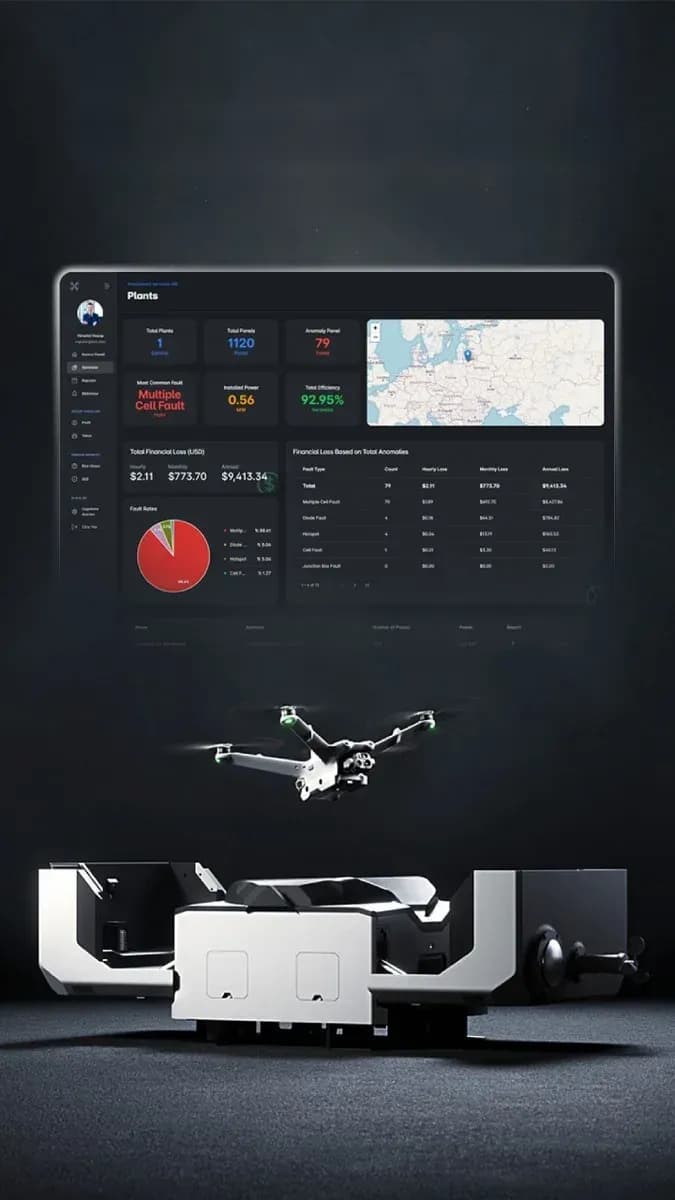
Dock-based Autonomous flight
MapperX integrates with DJI Dock and DJI Dock 2 for automated inspection flights. Missions can run on schedule, and the drone returns to the dock to recharge, subject to operating limits and suitable weather conditions. Repeat inspections may reduce on-site visits, but pilot oversight and authorizations remain subject to applicable aviation requirements.
Panel serial numbers Record and manage
MapperX reads module serial numbers with OCR and stores each one against the module’s physical position in the plant. Every panel gets a digital record covering warranty status, inspection history and replacements, so warranty claims rest on traceable data instead of spreadsheets and site photographs.
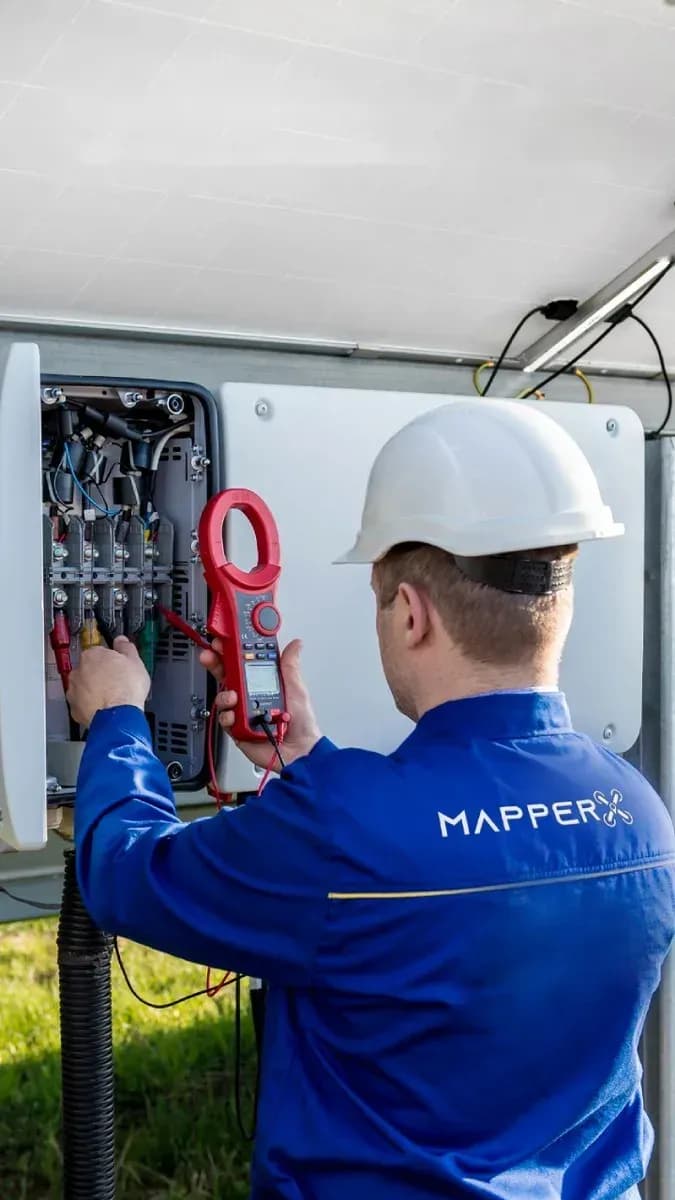
Report your Measurements and tests
Alongside thermal data, MapperX records electrical field tests: string tests, insulation resistance measurements and I-V curve tracing. Results are stored against the string and module they belong to and reported in a standards-aligned format, so thermal findings and electrical evidence sit in one inspection record rather than in separate files.
High precision Positioning
Every anomaly MapperX flags comes with coordinates. Field teams open the module in the MapperX app or scan the QR code printed in the report to view its mapped row and position. This helps teams locate a reported faulty module in a multi-megawatt plant; positioning accuracy and locating time depend on the dataset and site conditions.
Smart and fast Reporting
MapperX generates inspection reports automatically from the analyzed data. Anomalies, electrical measurements and thermal imagery are compiled into one document that asset owners, O&M contractors and insurers can act on, with QR links back to each module. Automated compilation can reduce reporting time, depending on dataset size and review requirements.
How MapperX Works
Three steps from captured data to a finished inspection report.

1. Inspect
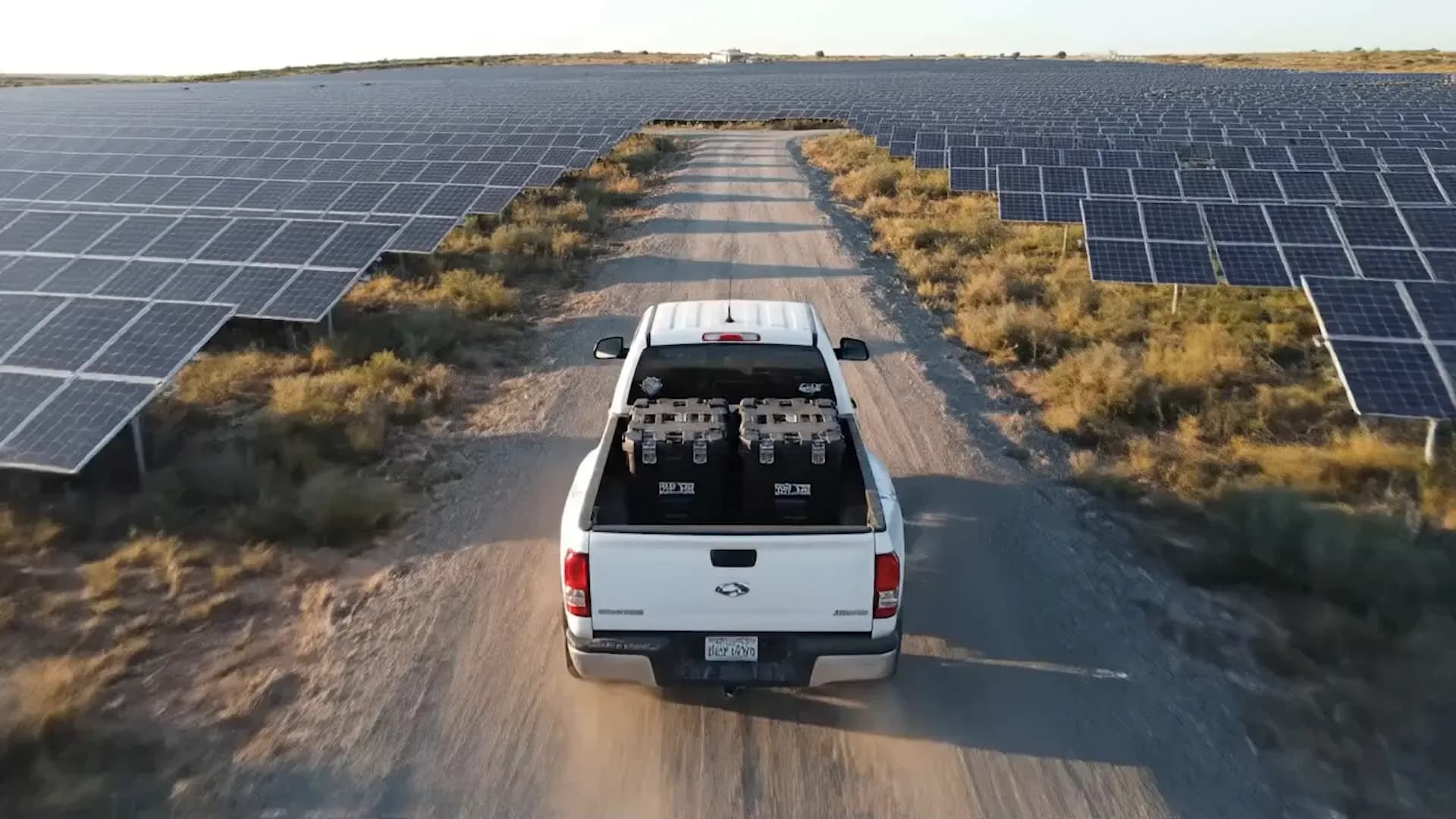
A compatible thermal drone captures thermal and RGB data across rooftop or ground-mount PV sites.
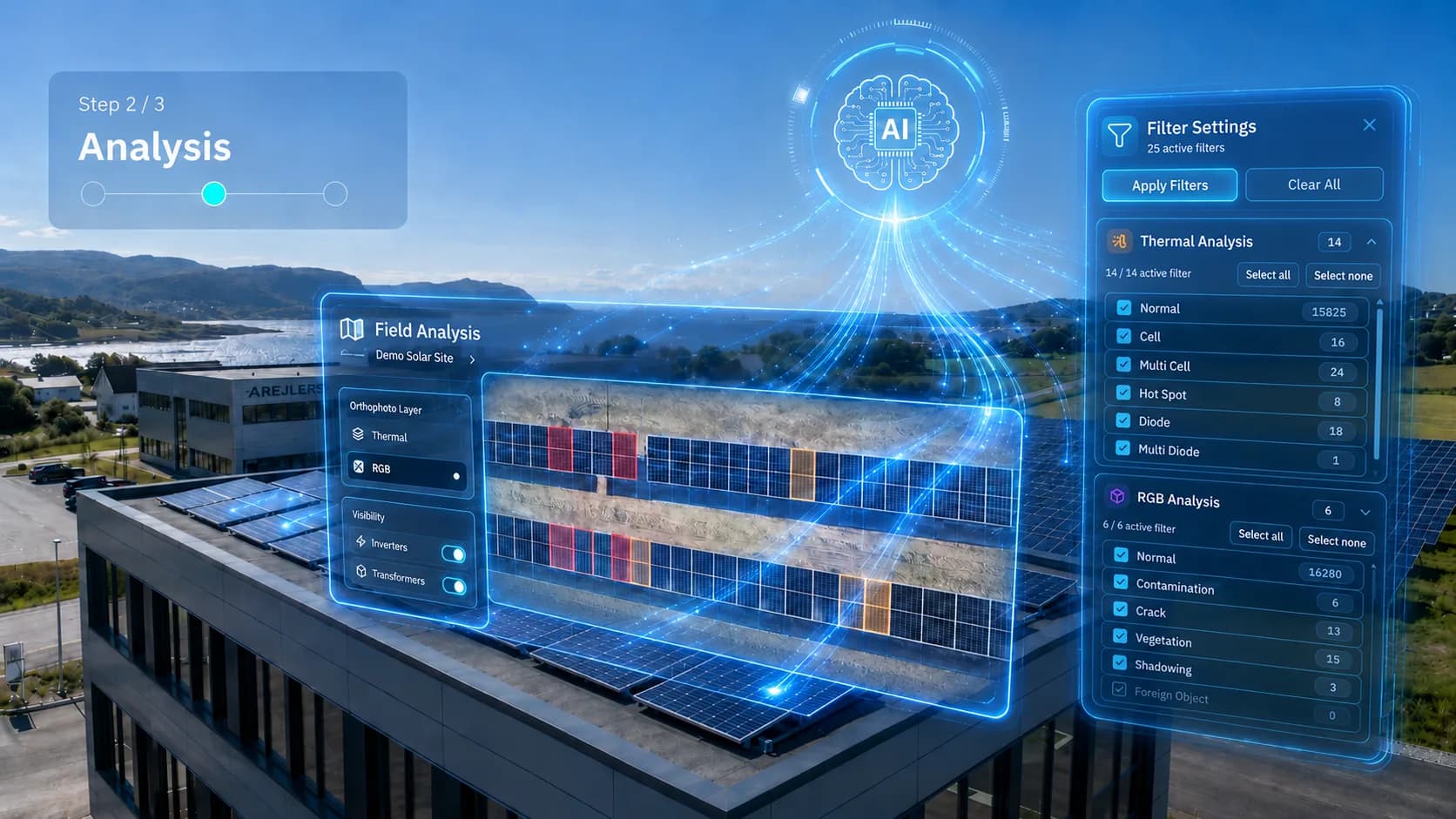
2. Analyze
MapperX organizes the dataset and helps reviewers identify and classify module-level thermal findings.
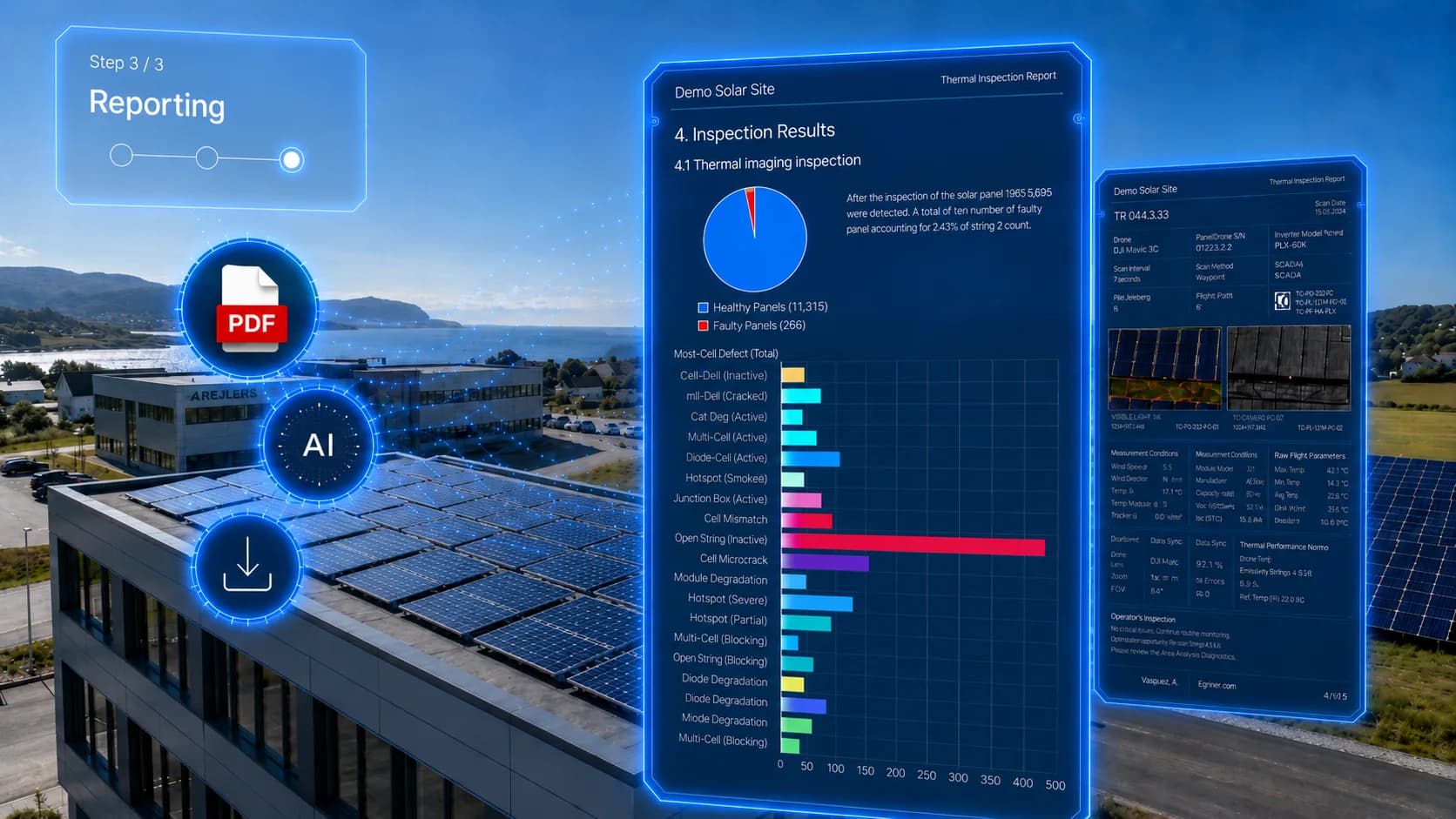
3. Report
Generate customizable solar inspection reports for maintenance teams, owners, and technical stakeholders in 11 languages.
Solar inspection reports in 11 Languages with Cultural Precision
Interface and PDF report outputs are available in 11 languages: English, Deutsch, Français, Español, Italiano, Português, 汉语, 日本語, Nederlands, Türkçe, and Bahasa Indonesia.


