Solar Power Plant Inspection Software
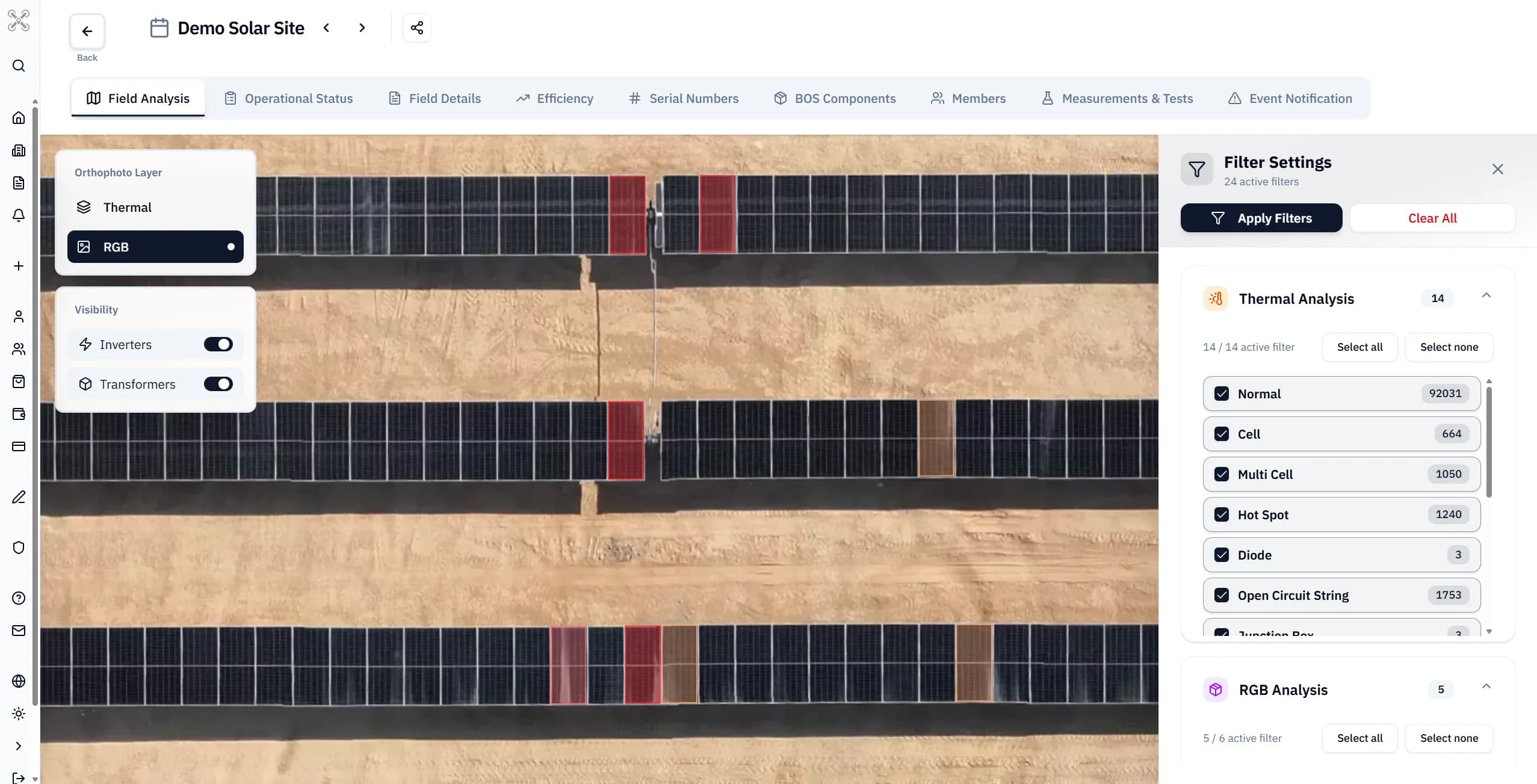
Solar power plant inspection software for thermal and visual data, anomaly mapping, reporting, maintenance follow-up and portfolio-level PV inspections.
Intelligent Data Acquisition and Inspection Workflow
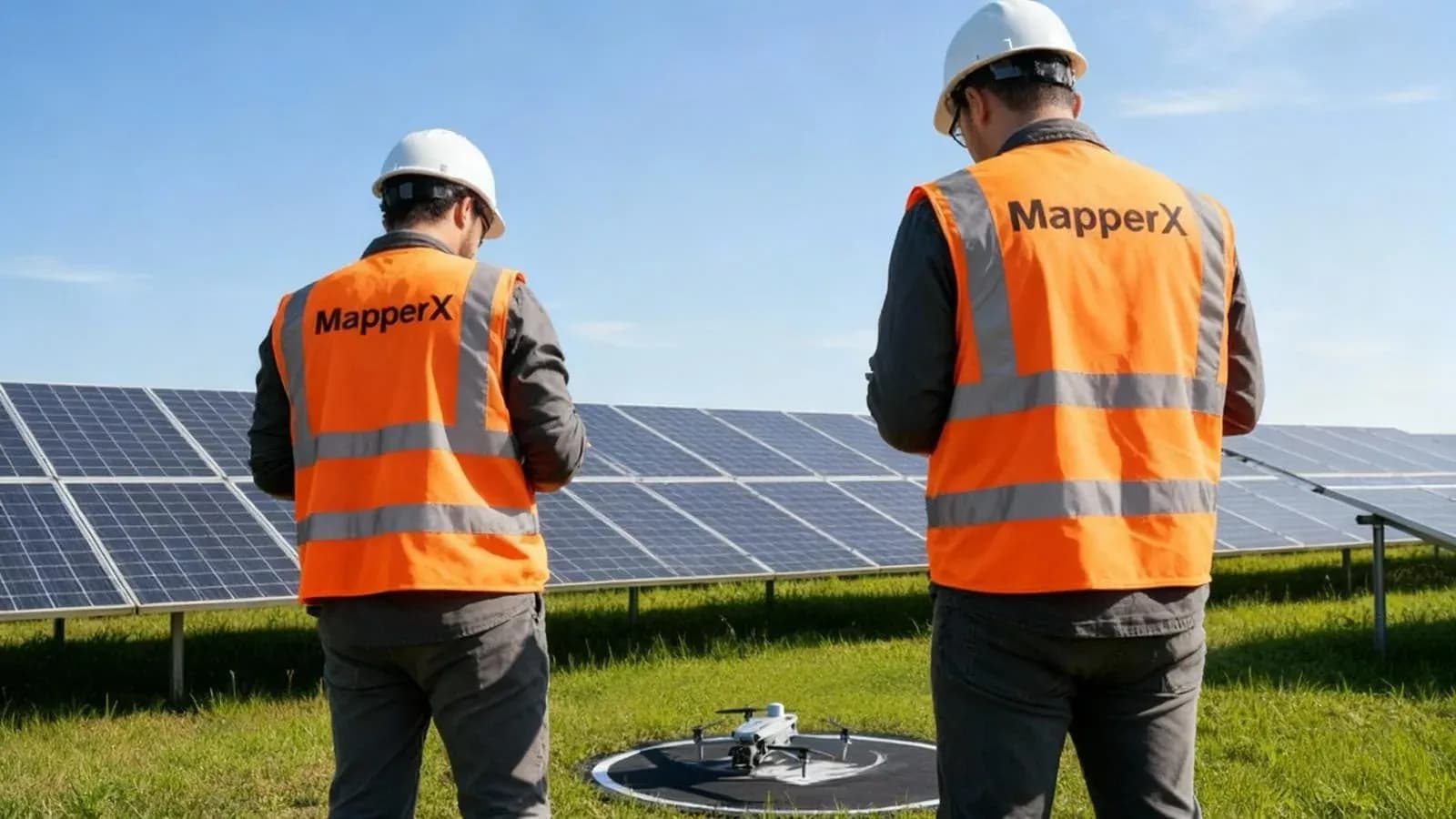
Solar power plant inspection software organizes imagery, asset locations, reviewer findings and reports. Before processing a mission, check acquisition records and file compatibility; software cannot calibrate a camera after capture or reliably infer missing weather measurements.
- Irradiance: record measurements relevant to the module plane
- Wind: record conditions affecting flight and module cooling
- Clouds: note transitions and unstable illumination
- Camera: retain calibration records and measurement settings
- Image detail: verify the target feature is resolved
Keep original thermal and RGB files together with acquisition logs. Irradiance, calibration evidence and emissivity settings may need separate records; do not assume every camera embeds them in every image.
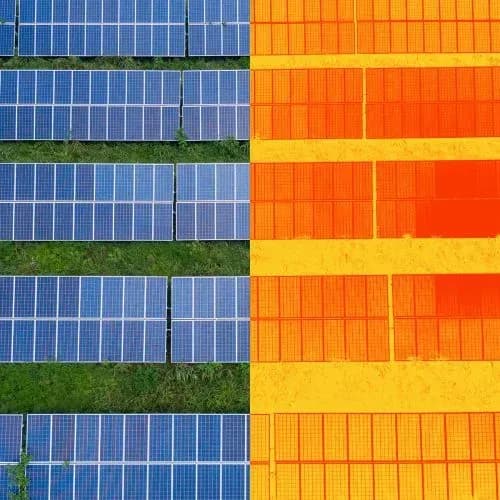
Thermal Analysis and Defect Classification
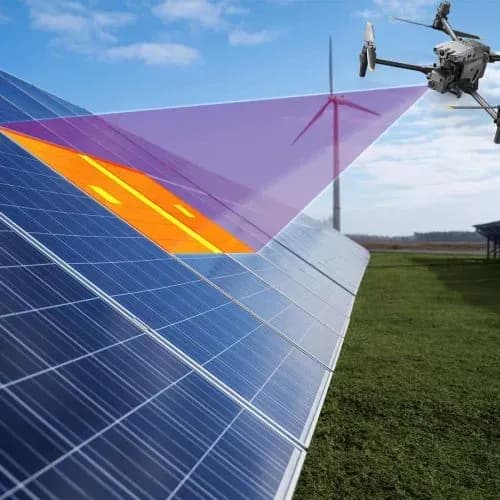
Software can calculate temperature differences and organize suspected anomalies. Any correction must state its method and assumptions; it does not eliminate wind, reflection or operating-state effects. IEC 62446-3 addresses outdoor PV thermographic inspection, not a universal software algorithm.
A practical review workflow should distinguish the following finding states; these are not quoted IEC classification definitions:
- Reviewed: no relevant anomaly identified in usable evidence
- Unresolved: candidate anomaly needs further verification
- Escalated: credible risk requires prompt technical assessment
Keep confidence in the diagnosis separate from maintenance urgency. A temperature difference is one input to prioritization, not a standalone measure of electrical loss or safety.
MapperX Inspection Review and Reporting
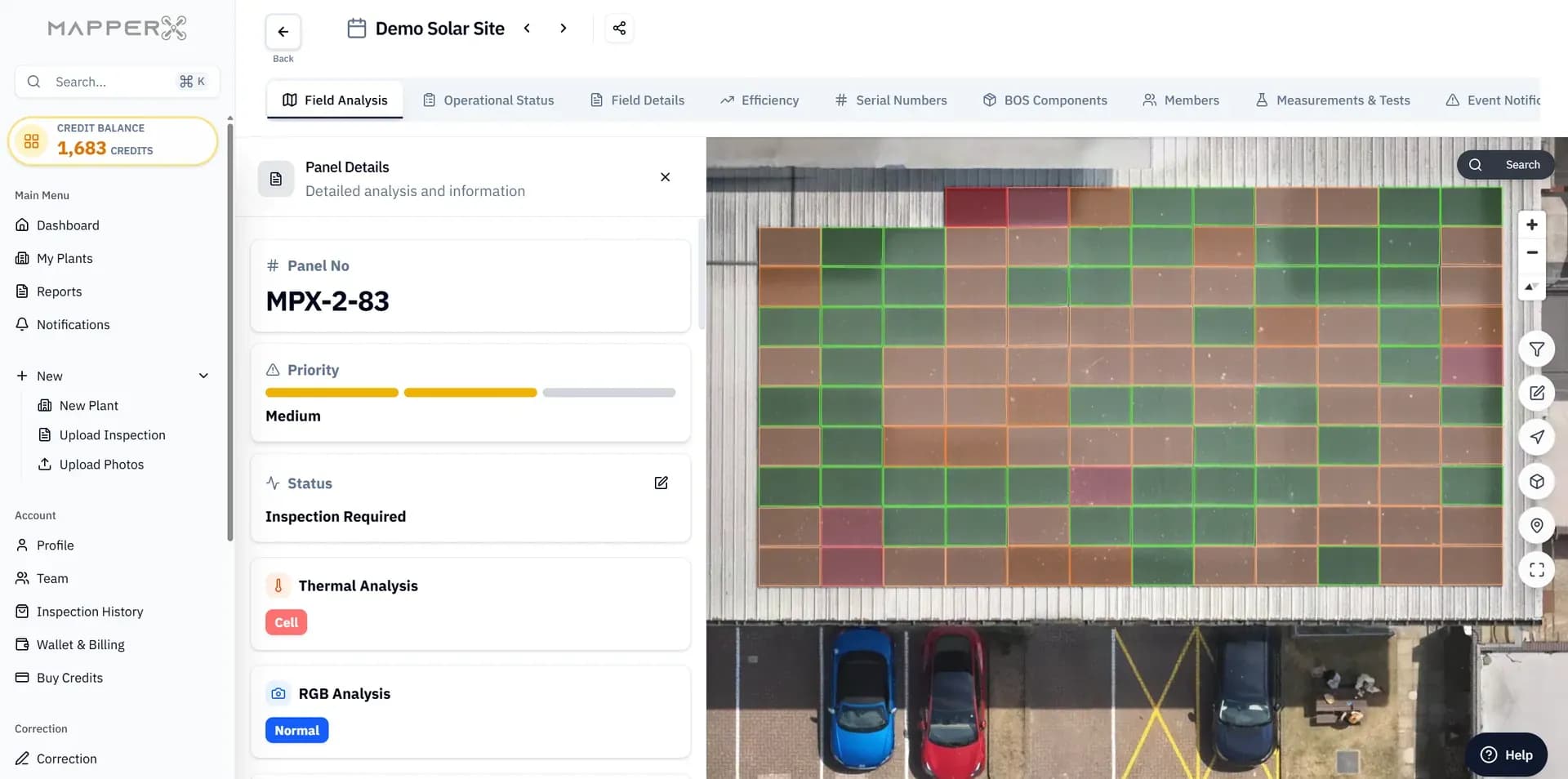
MapperX can support a mapped review workflow. During evaluation, confirm how the following information is captured, checked and retained:
- Acquisition logs and camera calibration evidence.
- Measurement settings and calculation assumptions.
- Anomaly labels, reviewer decisions and priority definitions.
- Produces standardized PDF and digital reports with IR-RGB overlays and geolocation.
A standards reference does not guarantee report acceptance by every EPC contractor, insurer or auditor. Agree the scope, methodology, reviewer qualifications and deliverables with the receiving party before acquisition.

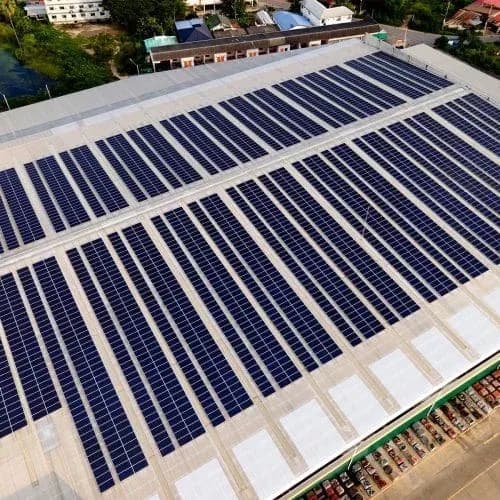
Solar Power Plant Inspection Software in Utility-Scale Operations
Large PV sites benefit from consistent asset identifiers and centralized review. Survey and processing time depend on area, required detail, weather, flight constraints and dataset quality; a fixed completion time cannot be assumed.
Key advantages:
- AI-assisted identification of suspected inactive strings, hot spots, and diode faults for technical review.
- Verification of new installations and performance acceptance tests.
- Benchmarking across multi-site portfolios for investor reporting.
- Documented inspection methods, limitations and review history.
Operational Applications and Benefits
The Solar Power Plant Inspection Software is designed for:
- O&M teams: preventive and predictive maintenance scheduling.
- EPC companies: quality assurance during commissioning.
- Investors: performance validation and risk assessment.
- Asset managers: traceable reports for technical and commercial review.
Inspection software complements site checks and production monitoring. It does not replace physical repairs, electrical tests or equipment needed to measure continuous output.

Solar Panel Inspection Process - Step by Step with MapperX
- Fly Your Drone: Plan a compatible thermal/RGB flight and check a sample dataset.
- Make a Fast and Secure Payment: Confirm the selected service and payment conditions.
- Upload Your Photos: Upload the original image files with location and acquisition details.
- Receive Your Report in Just a Few Clicks: Review the mapped findings and report; assign any required field verification.
Generate your reports in supported languages.
The interface and PDF outputs are available in Turkish, English, German, French, Spanish, Chinese, Japanese, Portuguese, Bahasa Indonesia, Italian, and Dutch.
Solar power plant inspection software brings thermal imagery, visual evidence, asset locations, anomaly review and reporting into one workflow. The main value is traceability: teams can move from a drone dataset to a specific module or plant area, then document verification and maintenance without losing the original inspection evidence.
Inspection Software for Multi-Site PV Portfolios
For operators managing several plants, a shared data model is more useful than separate folders and spreadsheets. Portfolio-level software can standardize findings, report formats and follow-up status while keeping each plant and inspection session distinct.
A Practical Software Acceptance Check
Test the workflow with one real inspection before rolling it out across a portfolio. Start with a known module, locate it on the map, open its original thermal and visual evidence, and check whether the field team can identify the same asset. Repeated rows, outdated drawings and replaced modules can cause location errors even when an image is correctly analyzed.
- Import: verify readable temperature data, acquisition dates and coverage gaps.
- Review: record whether a finding is tentative, confirmed or rejected, with a reason.
- Export: check that the receiving team can access locations, images and report context without relying on a screenshot.
- Closure: attach field findings, repair records and reinspection evidence to the original issue.
Keep estimated losses separate from measured generation. Calculating energy or financial impact requires operating data and documented assumptions, not simply a hot-spot count. DOE’s O&M guidance highlights recordkeeping, monitoring and reacceptance after repairs. Align the software handover with the team providing solar O&M services so a delivered report becomes a trackable maintenance decision.
Frequently Asked Questions
How often should inspections be performed?
Set the schedule from the O&M agreement, asset condition, manufacturer guidance and event-driven needs such as storms or unexplained production loss. Do not treat a generic interval as an IEC requirement for every plant.
Can this software be integrated with existing drones?
Compatibility depends on the camera, original file format, metadata and supported processing workflow. Validate a sample from the exact equipment before a full survey.
What file formats are supported?
Confirm supported formats using original sample files. A TIFF or JPEG extension alone does not establish whether temperature measurements and required metadata can be read.
How does MapperX support data quality?
Data quality depends on suitable acquisition, calibration evidence, location checks and technical review. Ask which checks are automated and which records require operator input.
Are reports internationally recognized?
Acceptance depends on the recipient and contract. Confirm the required evidence and inspection method with the EPC, insurer or auditor rather than assuming a standards citation guarantees acceptance.
What data should solar inspection software store?
At minimum it should preserve site and asset location, inspection evidence, acquisition context, findings, classifications and enough history to support verification and follow-up.
Can inspection software replace SCADA?
No. Inspection software organizes survey evidence and findings, while SCADA or other monitoring systems collect operational data. Combining the records can improve diagnosis, but they serve different functions.
What should happen when a module is replaced?
Retain the location history and record the new module identity, replacement date and verification evidence. Do not silently overwrite the old module record or present its earlier defects as findings on the replacement.