
Solar Inspection Software FAQs
Real answers to the questions buyers ask before and after choosing MapperX, supported drones, data upload, credit rules, IEC 62446-3 thermography, reporting and support.
Everything you need to know
Find quick answers or contact our support team.
What is MapperX?
MapperX is a solar panel inspection software that analyzes drone-captured thermal imagery with AI to detect module-level faults in PV plants. Inspection, asset management and reporting to support outdoor PV thermography under IEC 62446-3 run in a single platform, built only for solar.
How does MapperX turn drone data into results?
In three steps: drones capture thermal data of the plant, MapperX AI detects and classifies thermal anomalies, and the platform generates a prioritized, shareable inspection report.
Who is MapperX built for?
MapperX is built for PV inspection teams and solar O&M teams that need module-level fault detection, traceable plant and asset records, and reporting to support outdoor PV thermography under IEC 62446-3 in one platform. Everything in the product is designed only for solar.
Do I need to install any software to use MapperX?
No. MapperX works fully in the browser: you create the plant, start an inspection and upload your thermal images, and analysis begins automatically.
Can I see MapperX in action before buying?
Yes. You can explore a demo of a real solar plant inspection inside the platform.
Which drones and thermal payloads are supported?
MapperX supports the DJI Mavic 3T, DJI Matrice 30T, DJI Matrice 4T, DJI Matrice 300 RTK, DJI Matrice 350 RTK, and DJI Matrice 400 RTK, with the Zenmuse H20T, Zenmuse H20N, and Zenmuse H30T thermal payloads. Thermal photos must carry a temperature value in every pixel, which these DJI cameras provide as temperature-embedded thermal JPEGs.
What thermal data format does MapperX require?
MapperX requires thermal imagery, thermal photos that store a temperature value in every pixel, such as thermal JPEG files produced by supported DJI thermal cameras.
Does MapperX use RGB imagery as well as thermal?
Yes. MapperX processes both thermal and RGB drone imagery from the same inspection, so visual defects can be reviewed alongside thermal anomalies.
How do I upload flight data to MapperX?
Create the plant, start a new inspection and upload the thermal images directly in the browser; analysis starts automatically after upload.
How long does the analysis take?
Analysis runs autonomously after upload; a 10 MW plant is typically analyzed in about 15 minutes.
How do MapperX credits work?
Each analysis consumes credits from a prepaid package, and every credit stays valid for 12 months from purchase.
How many credits does an inspection consume?
Credits are consumed by analyzed capacity: roughly 2 credits per kW, or 2,000 credits per MW. Credits are prepaid, valid for 12 months and can be topped up at any time.
Can I use one credit package across multiple plants or customers?
Yes. Credits are not locked to a single site and can be spent across plants, projects and customers during their validity period.
Can I add credits during the year?
Yes. You can top up your credit balance at any time; you don't need to wait for renewal.
Are plants, users or reports limited in any package?
No. Reports, plants and users are unlimited in every package, including Flexible and Starter. Only the analyzed capacity consumes credits.
Do you offer enterprise plans?
Yes. Alongside the Flexible, Starter, Growth and Professional packages, custom Enterprise plans are available for larger portfolios; contact our sales team to define the scope.
What is included in a MapperX inspection report?
Reports include anomaly classification, temperature data, severity-based prioritization and the location of each fault on the plant layout, with branded PDF export.
Can I share inspection reports with my clients?
Yes. Reports are exported as branded, white-label PDFs and can be shared directly with your clients or asset owners. Each report includes anomaly classification, temperature data, severity-based prioritization and the fault location on the plant layout.
Which languages does MapperX support?
The platform interface and PDF reports are available in 11 languages.
How do I get support?
Documentation and flight guides live in the help center, and you can contact the MapperX team for support.
Where is MapperX used today?
Contact the MapperX team for current information on where the platform is used and its inspection coverage.
Related resources
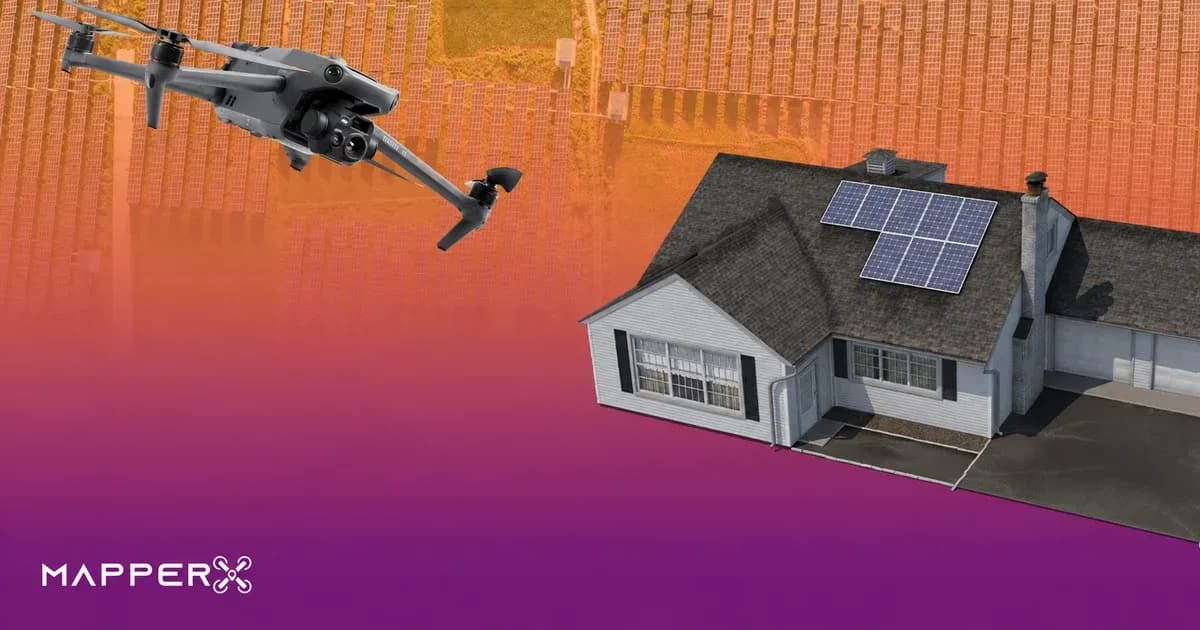
Solar Panel Inspection Cost
Solar panel inspection cost explained: pricing models, RFP questions, ROI inputs, scope boundaries, and how to compare commercial PV inspection quotes.
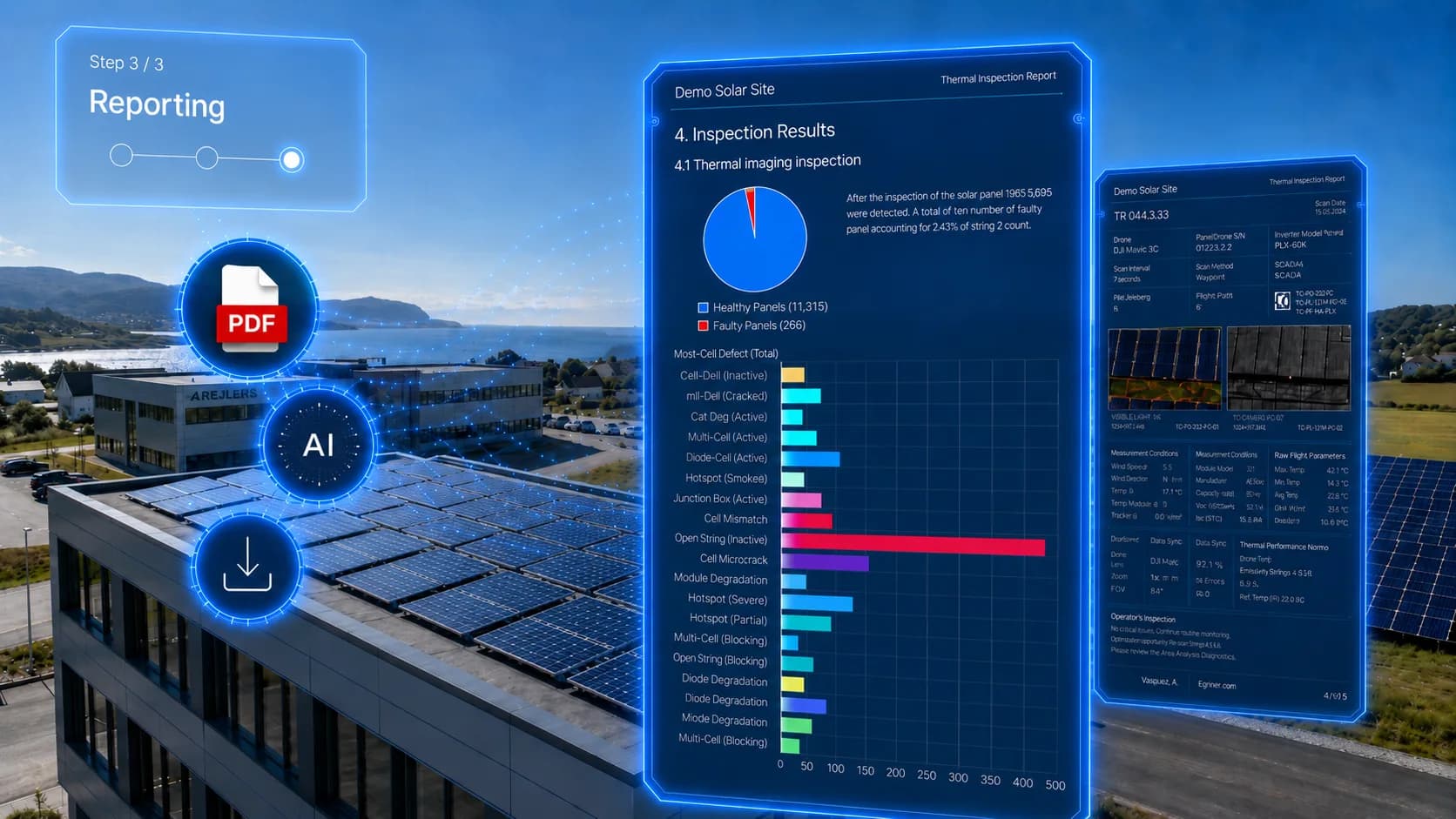
IEC 62446-3: Thermographic Inspection of PV Systems with MapperX
What IEC 62446-3 requires for outdoor infrared thermography of PV plants: irradiance limits, camera specs, abnormality classes and report content.
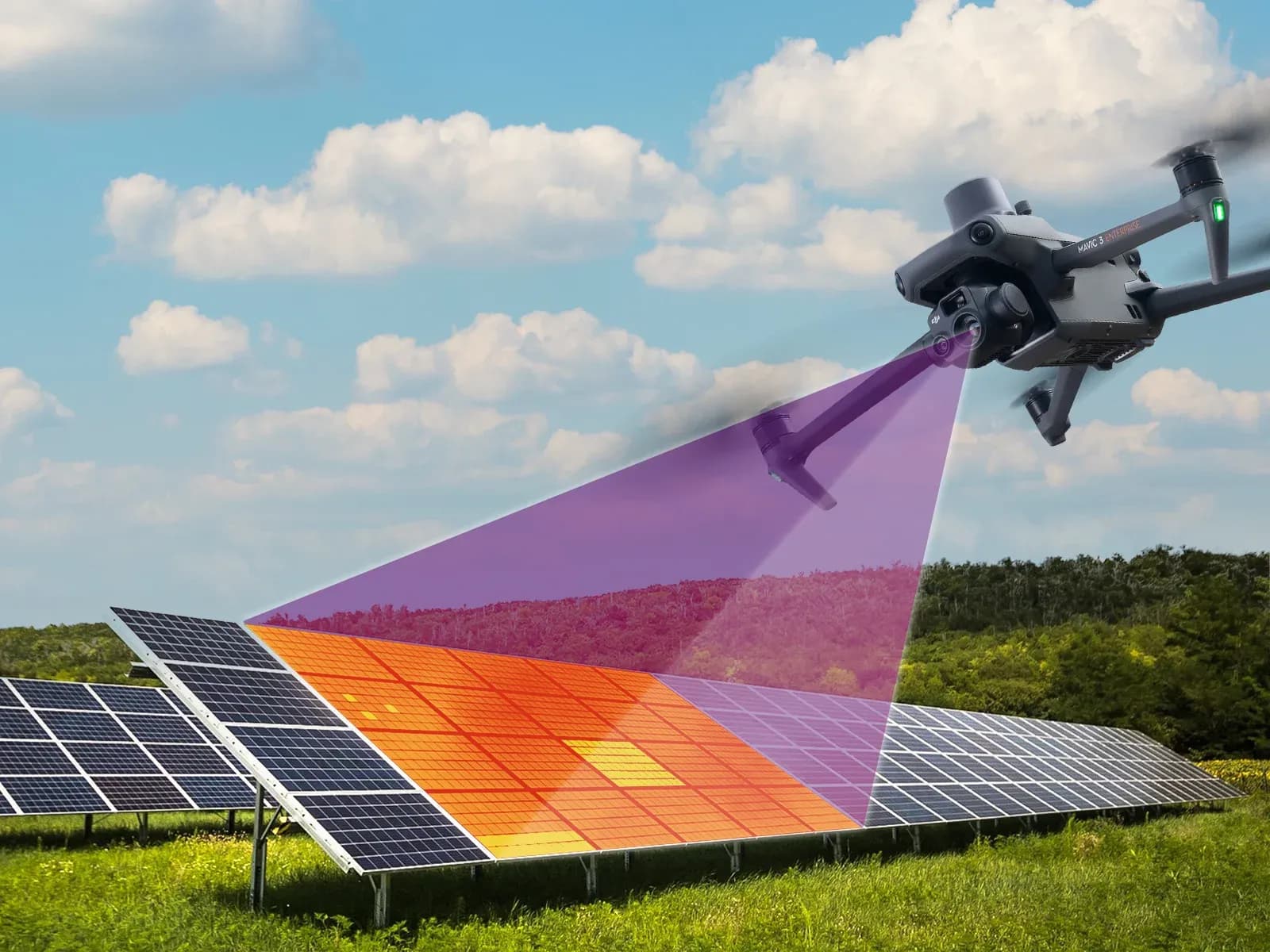
Solar Panel Thermal Inspection
How thermal inspection finds faulty solar panels at module level, what IEC 62446-3 requires and how drone data becomes a traceable report.